


Ordagrant
Turn speech into video clips.
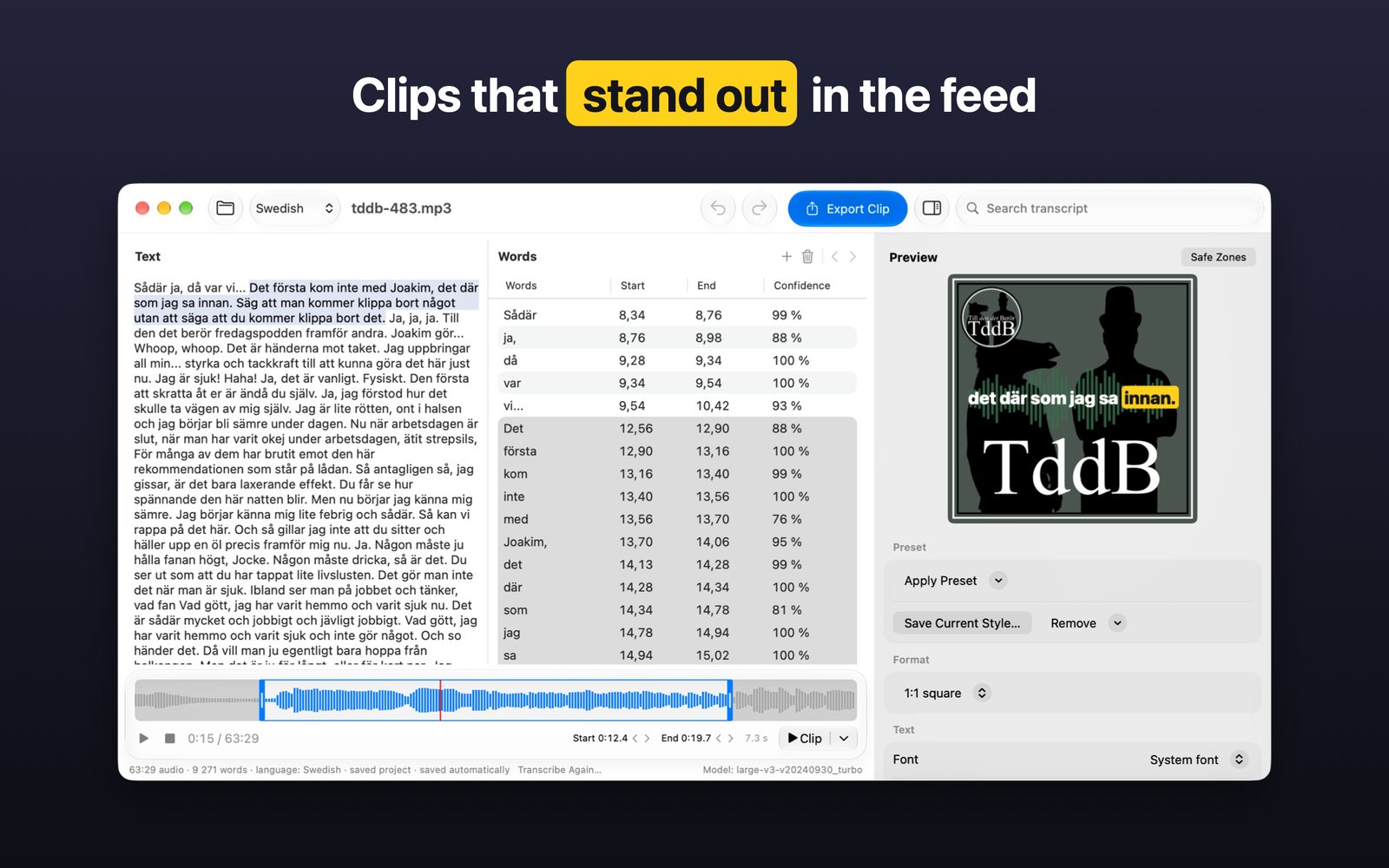
Make captioned video clips from your podcast with word-by-word highlighting – right on your Mac. Your audio never leaves your computer.
Why Ordagrant
💻
Everything happens on your Mac.
Transcription runs locally. Your audio is never sent to a server and the app collects no data.
🎯
Every word in sync.
Words light up exactly as they are spoken, thanks to timestamps for every single word.
📱
Ready for the feed.
Export in 9:16, 4:5, 1:1 or 16:9 for Instagram, TikTok, YouTube and LinkedIn.
Features
Transcription with word timings
- 13 languages: Swedish, English, Norwegian, Danish, Finnish, Icelandic, German, French, Spanish, Italian, Dutch, Polish and Portuguese – or automatic language detection
- Every word gets its own timestamp
- Handles long episodes, with progress and time remaining
Easy corrections
- Listen right in the app and double-click a word to hear it
- Edit, remove, add and merge words
- Fine-tune word timings and undo anything with ⌘Z
- Search the whole transcript
Pick your clip
- Select the words you want
- Trim the start and end on a timeline with a waveform
Make it look great
- Safe zones that show where each platform's buttons appear
- Fonts, colors, outline and shadow
- Highlight the spoken word with color, a pill, enlargement or one word at a time
- Background image, logo and bouncing audio bars
- Built-in styles and your own presets for your brand
- Projects are saved automatically
How it works
- Drop in your audio.
MP3, M4A, WAV or AIFF. Ordagrant transcribes every word with a timestamp.
- Pick your quote.
Fix anything that's off and select the words you want.
- Export.
Choose a format and style – ready to post.
Requirements
- Mac with Apple silicon (M1 or later)
- macOS 26 or later
- About 2 GB of free disk space
Questions? See support and frequently asked questions.
Ordagrant uses WhisperKit and OpenAI Whisper (MIT License). The model is downloaded from Hugging Face.